My Bikes
Under My Bikes you can manage all data related to your bike.
Adding your first bike
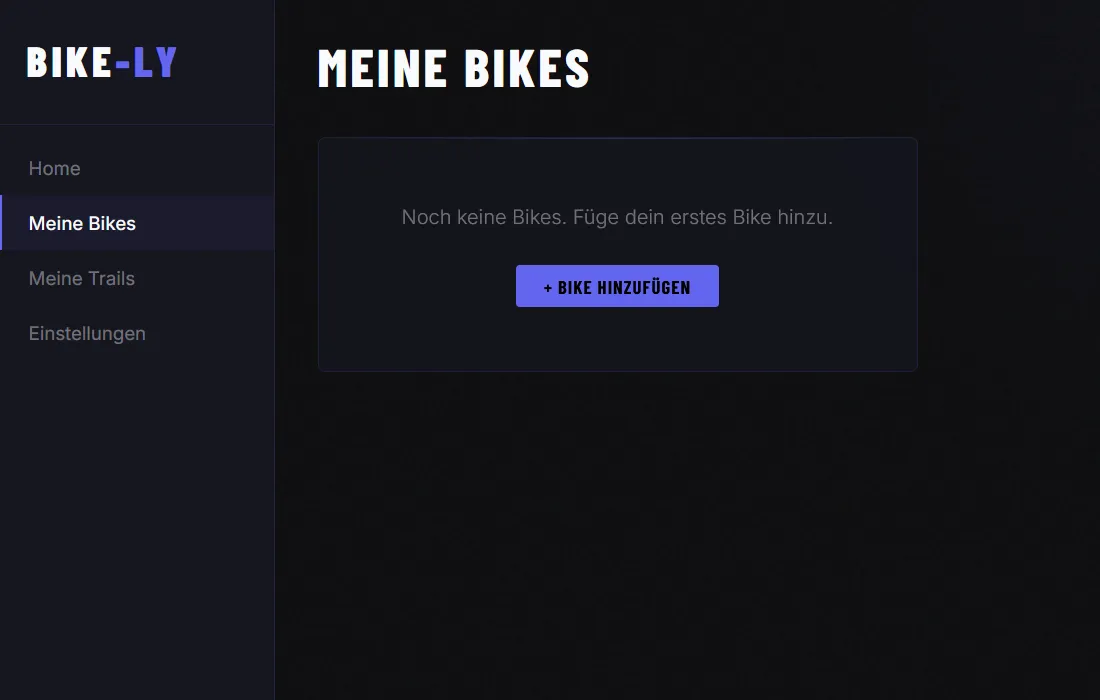
Use the Add bike button to create your first bike:
When adding a new bike you need to give it a name — every bike deserves a good one:
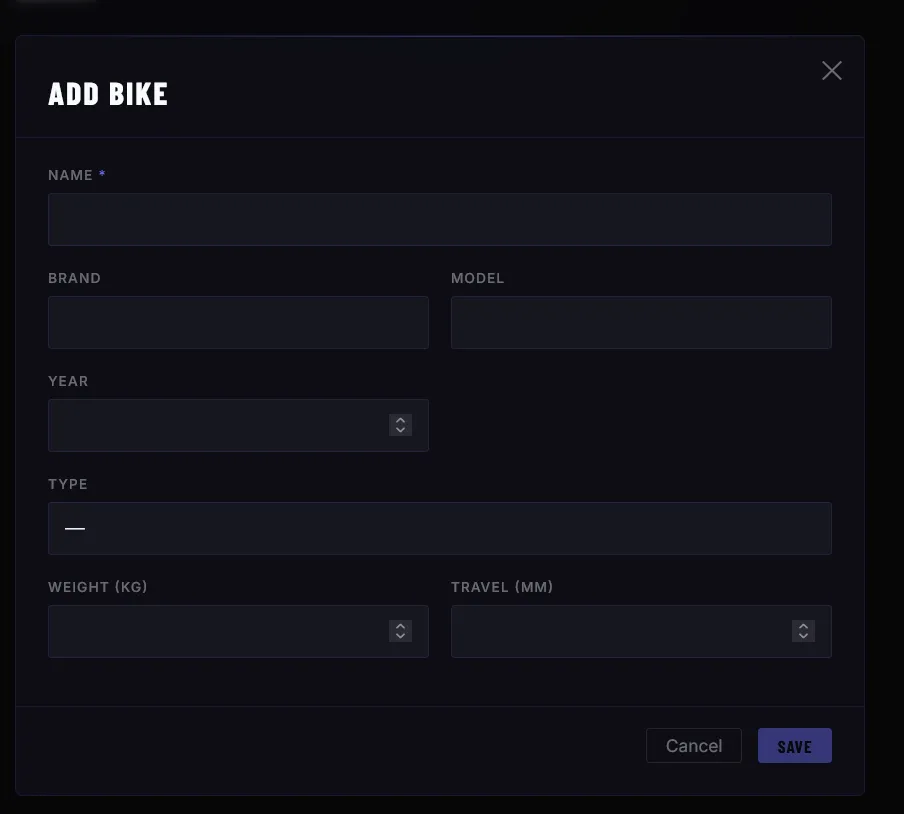
You don’t have to fill in all the details right away — you can always add more data or make changes later.
Once you have created a bike, it appears in the My Bikes overview:
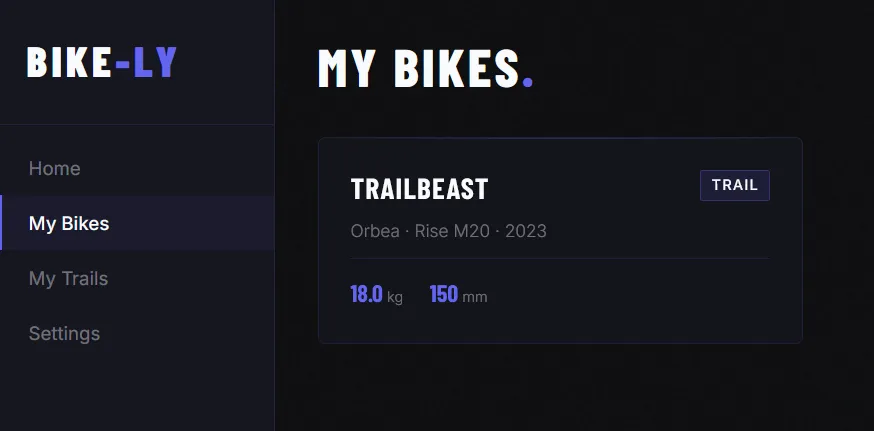
Click on the bike to manage further details.
Managing bike details
In the Bike Details view you can add more data about your bike.
Photos
Want to save photos of your bike? No problem — whether it’s a photo of a specific setting, a shot of your bike, or even better, YOU on your bike: you can save it all.
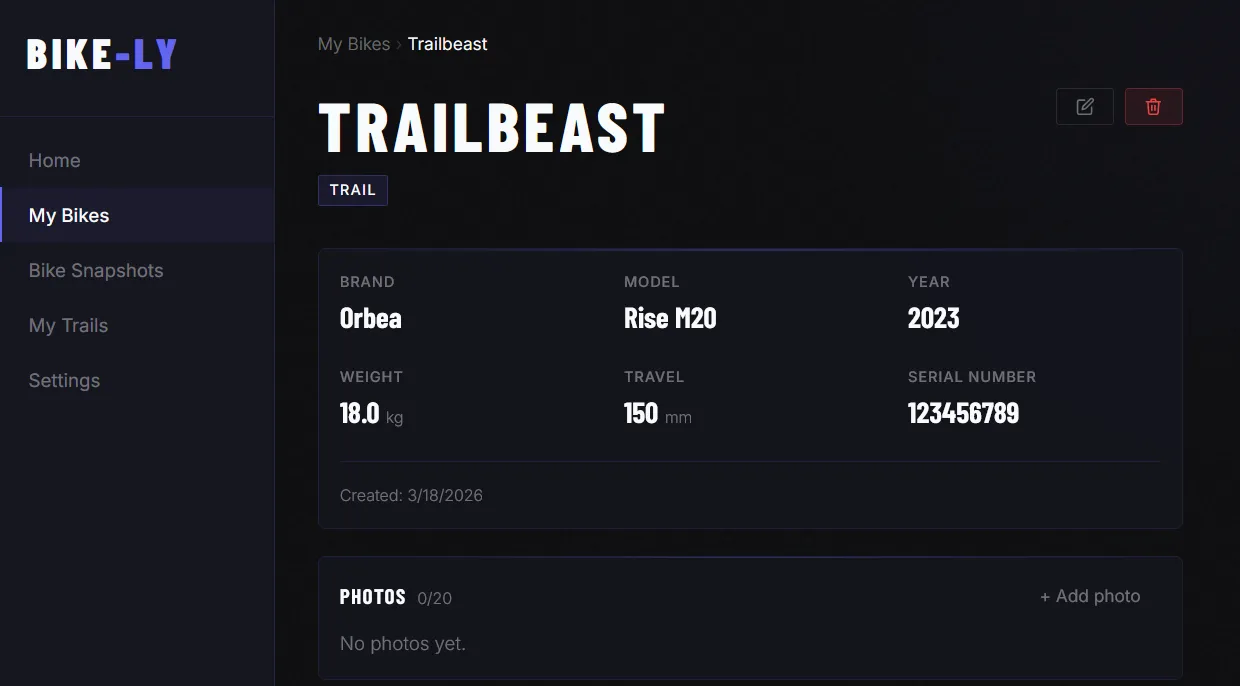
Build your own photo gallery — clicking on a photo opens it in full-size view.
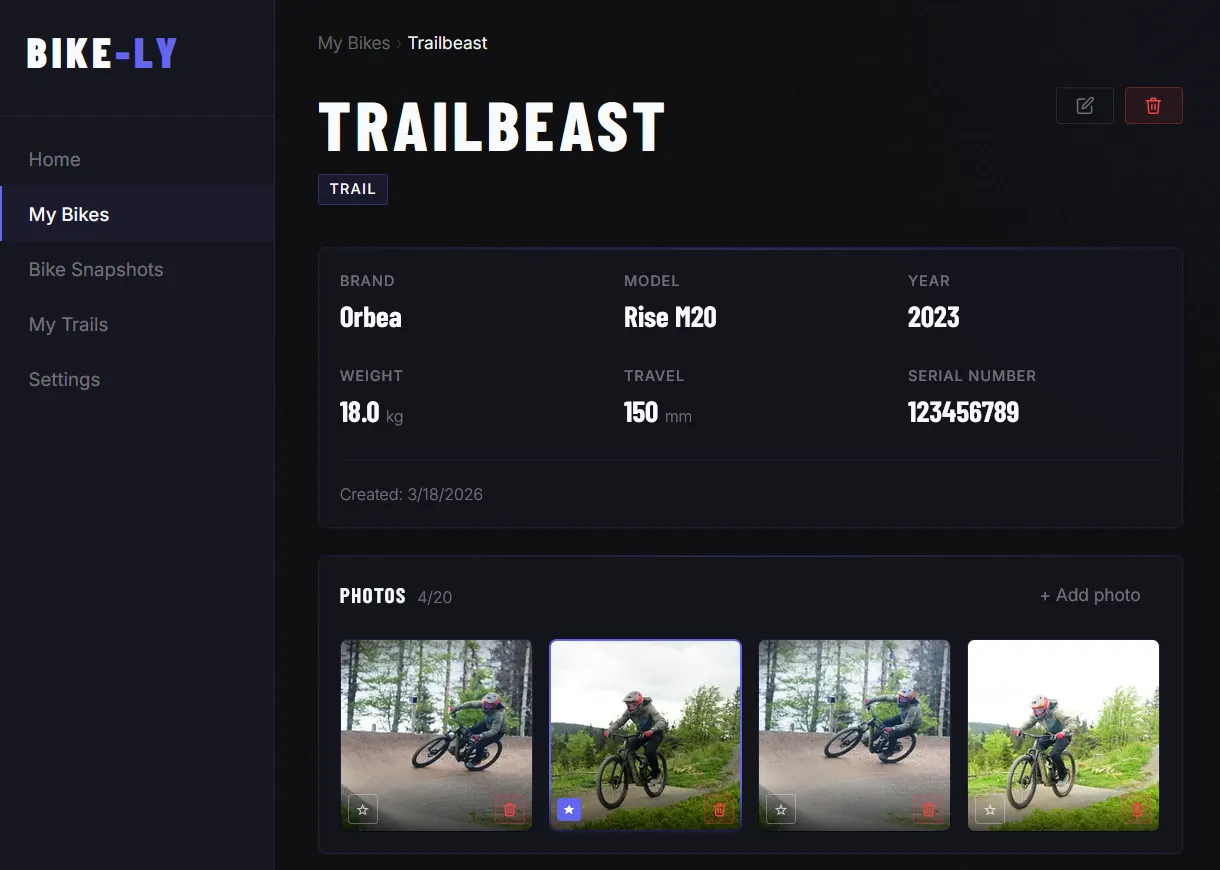
Click the star icon to set a photo as your bike’s profile photo.
Tire pressure
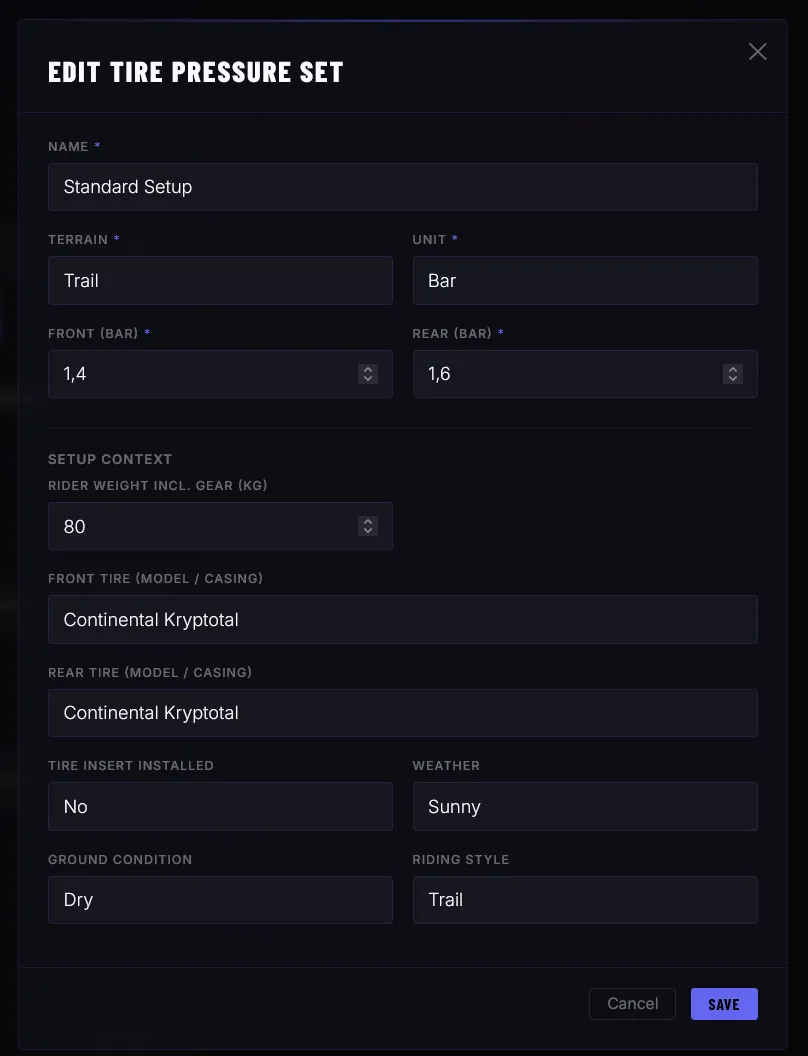
You can save multiple tire pressure sets. You decide how detailed you want to track your setup.
Suspension
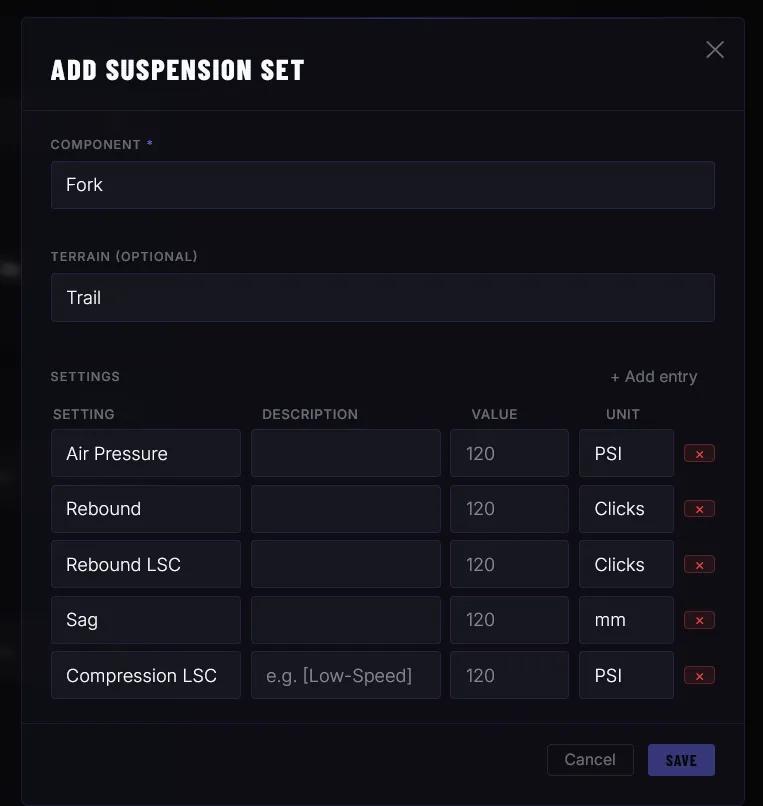
Do you like to dial in your bike perfectly for you and your trails? You can save all your suspension settings and always have access to your best setup.
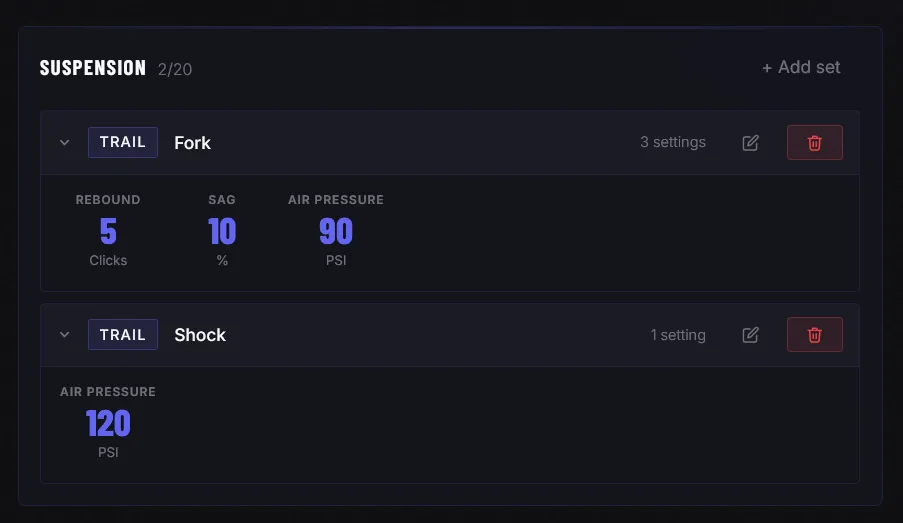
You can define which data you want to track, how, and in which unit.
Maintenance
Do you like to keep your bike in top condition? Under Maintenance you can add tasks for planned services and maintenance intervals. Need to send your fork in for a service? Create a task — Bike-Ly can remind you by email and push notification when maintenance is due.
You can create a new maintenance task and set whether you want to be reminded about it.
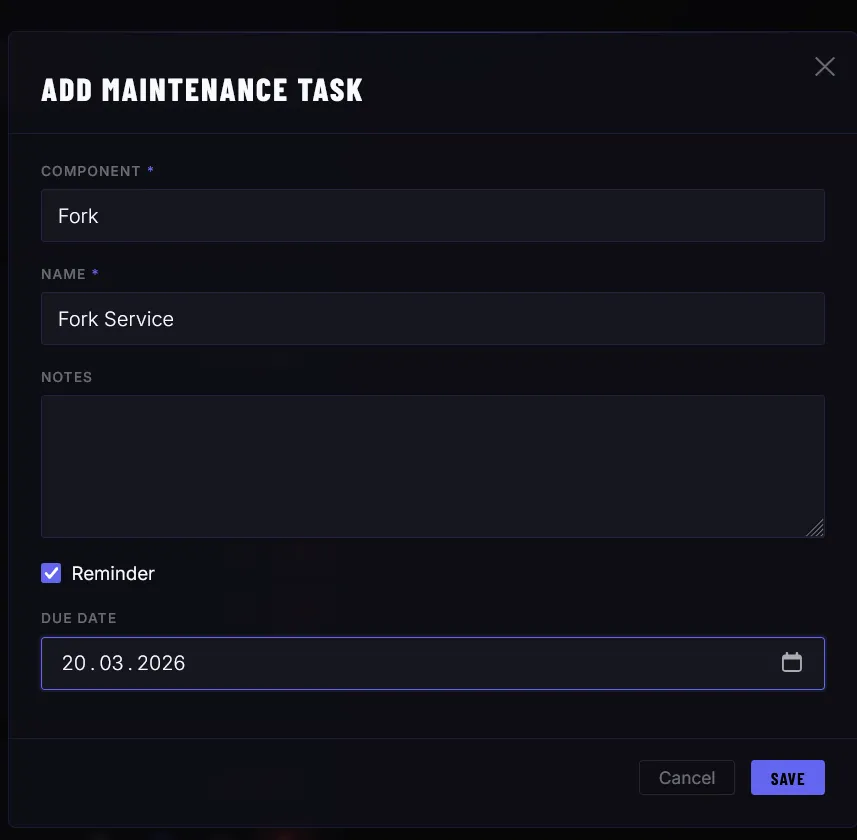
A new task starts with the status Open. Once marked as Done, it moves to the maintenance log.
In the Log you can see your completed maintenance tasks and also add further maintenance entries directly.
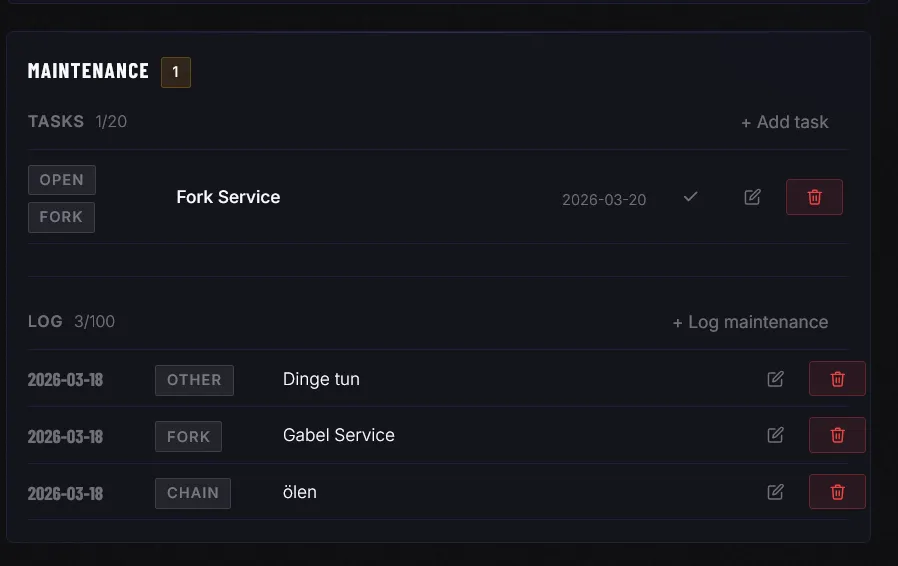
This way you always have all maintenance details at hand.
Components & Parts
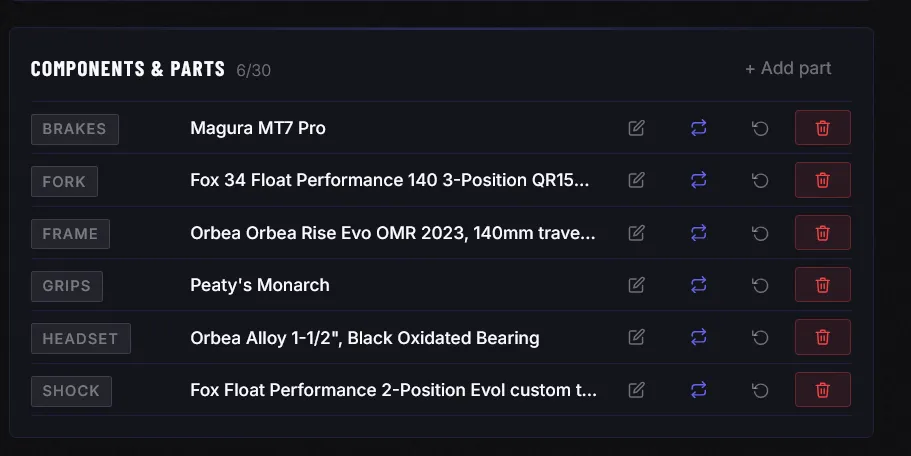
Under Components & Parts you can manage all the parts on your bike. You always have a clear overview of your components. If something breaks, you know right away which part to order or replace. You decide how detailed you want to track your data.
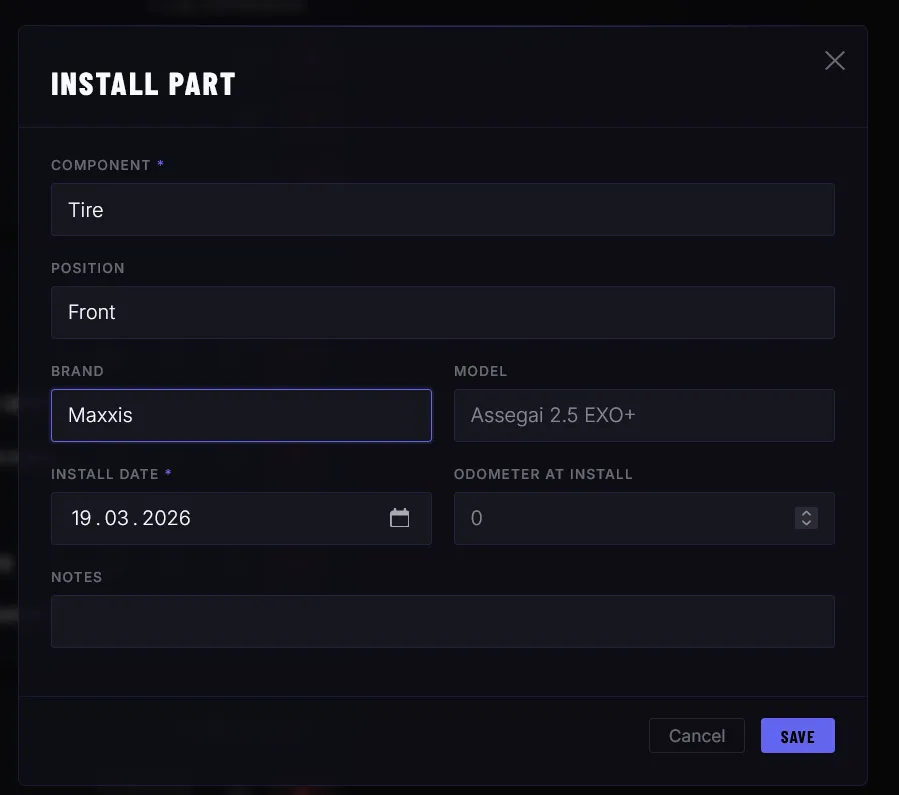
You can also find your replacement history here.
Reminders
Reminders work similarly to maintenance tasks but are more general in nature.
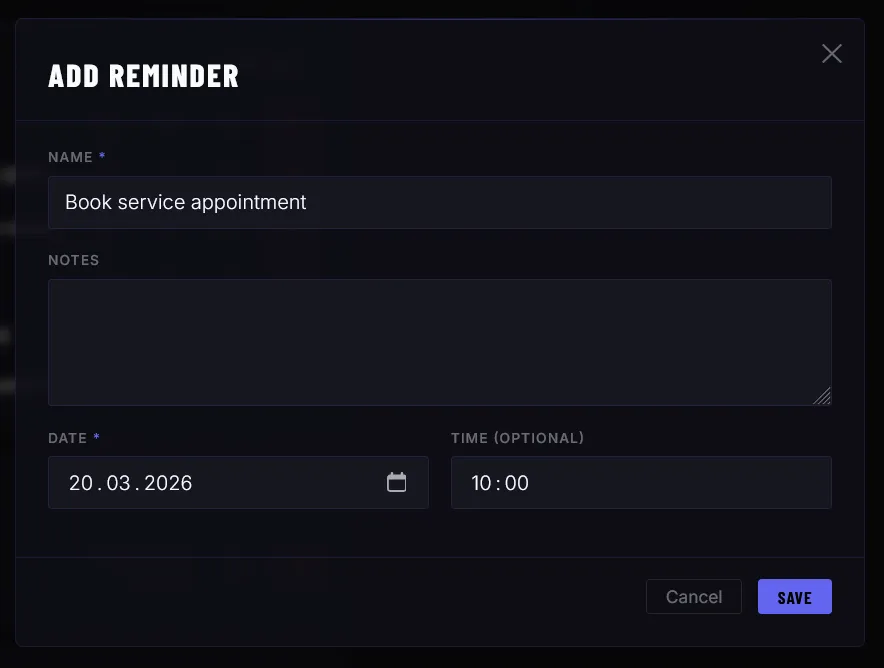
A reminder triggers a notification at a time you choose. Did you want to reorder some sealant? Add a quick reminder so you don’t forget. Which sealant was the best one again? Check Components & Parts.
Custom Fields
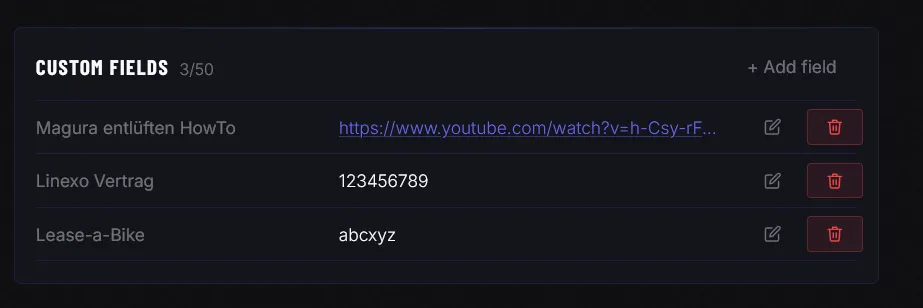
It is entirely up to you what data you store in Custom Fields. You can add any data here using a name/value format. The possibilities are almost limitless:
- Contract numbers for financing or leasing
- Links to how-to videos or manuals
- Documentation of specific settings
- Anything that matters to you
Missing something? New feature? More data?
Are you missing important data or do you have an idea for a new feature? Feel free to get in touch — we are actively developing Bike-Ly and welcome suggestions, ideas and feedback. Use the contact form to share your thoughts.