My Trails
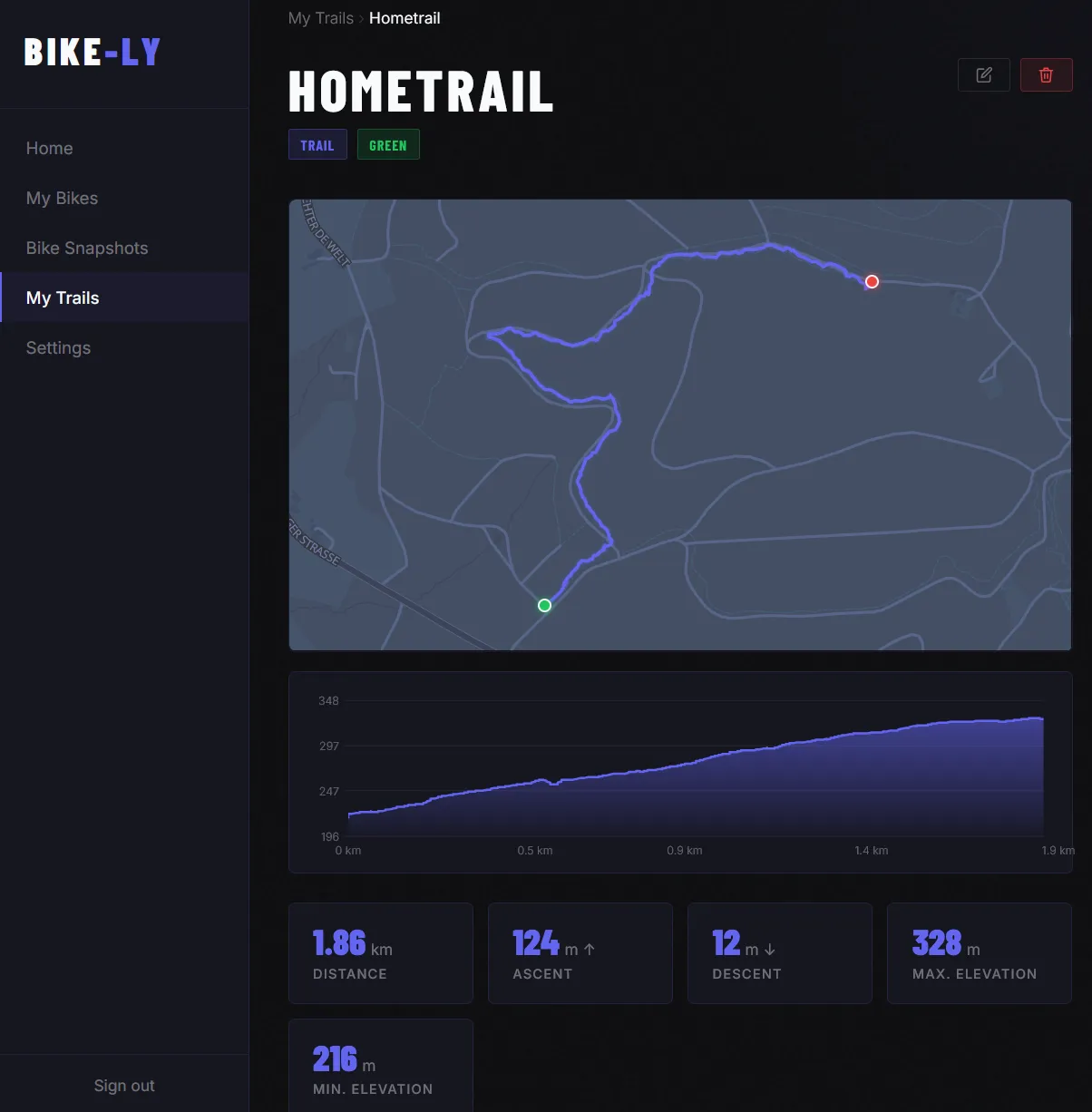
What would the best bike be without the best trails? In Bike-Ly you can add your favourite trails and record all kinds of data about them. You can upload GPX and TCX files with GPS position data — Bike-Ly will then automatically calculate key stats and display the trail on a map.
Add a trail
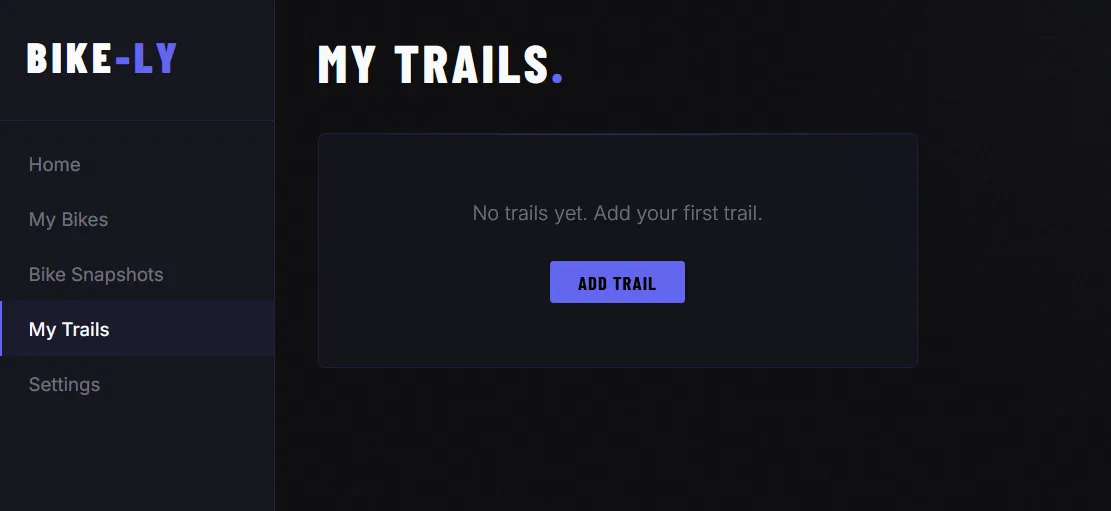
Under My Trails you can easily add a new trail.
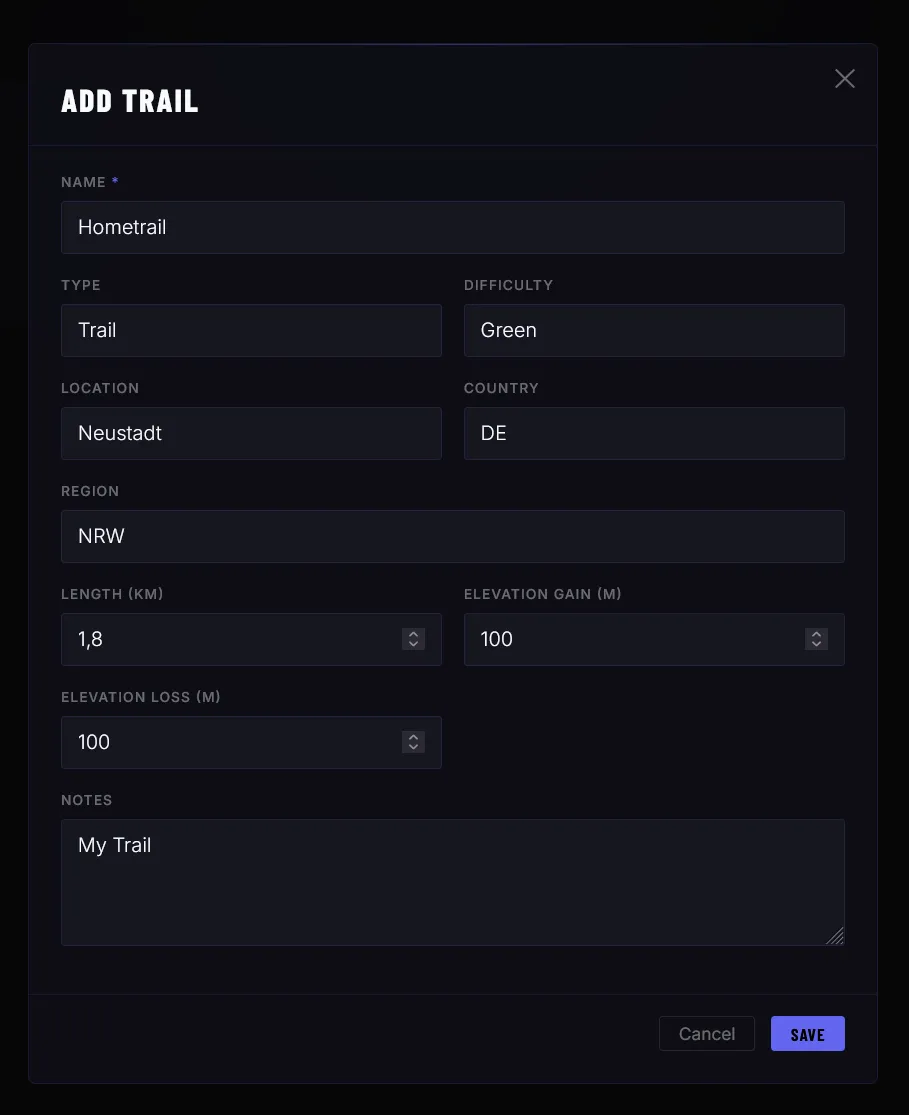
When creating a trail you can enter various details. Of course, it’s entirely up to you how much data you want to maintain.
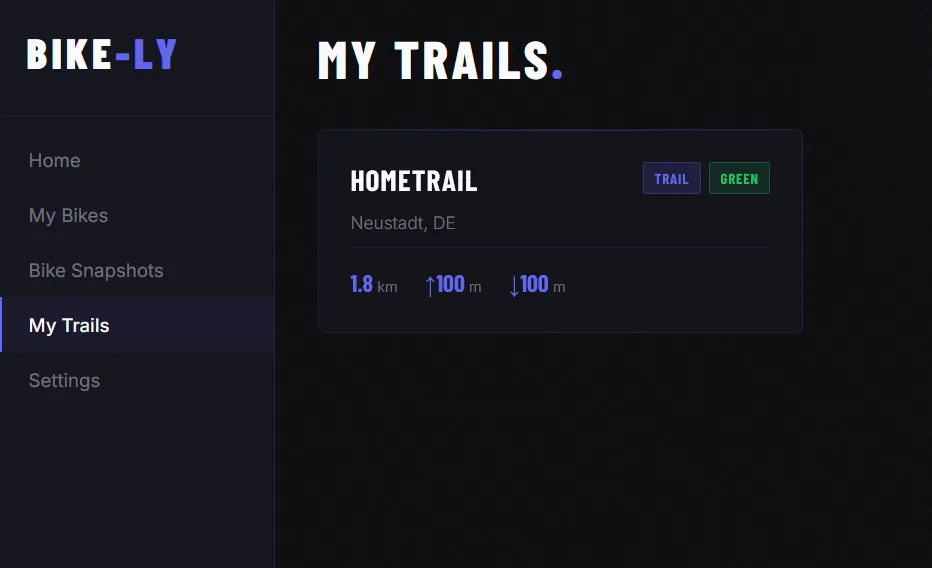
Add your favourite trails and enrich them with more data over time.
Add GPS data to a trail
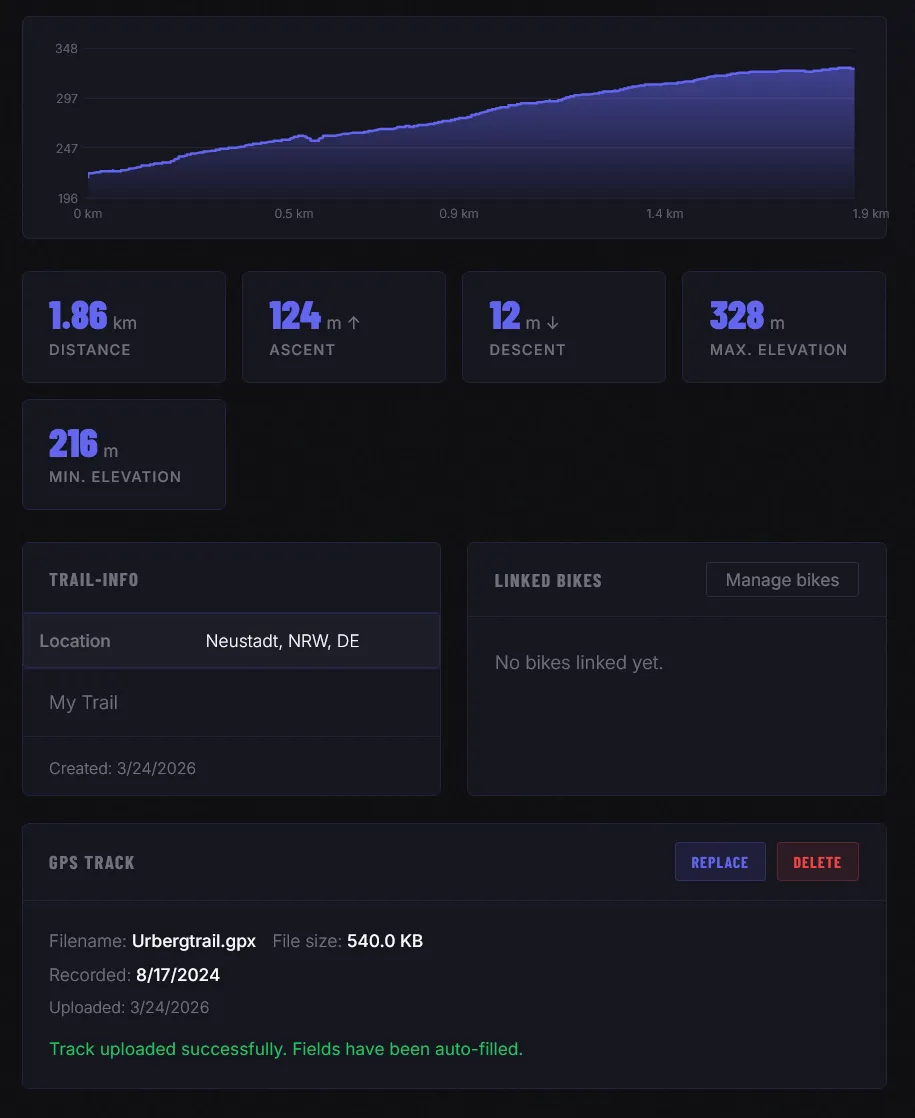
You can attach GPS position data to any trail. Bike-Ly supports importing GPX and TCX files (e.g. from Garmin). Bike-Ly will automatically extract the GPS data and display an interactive map.
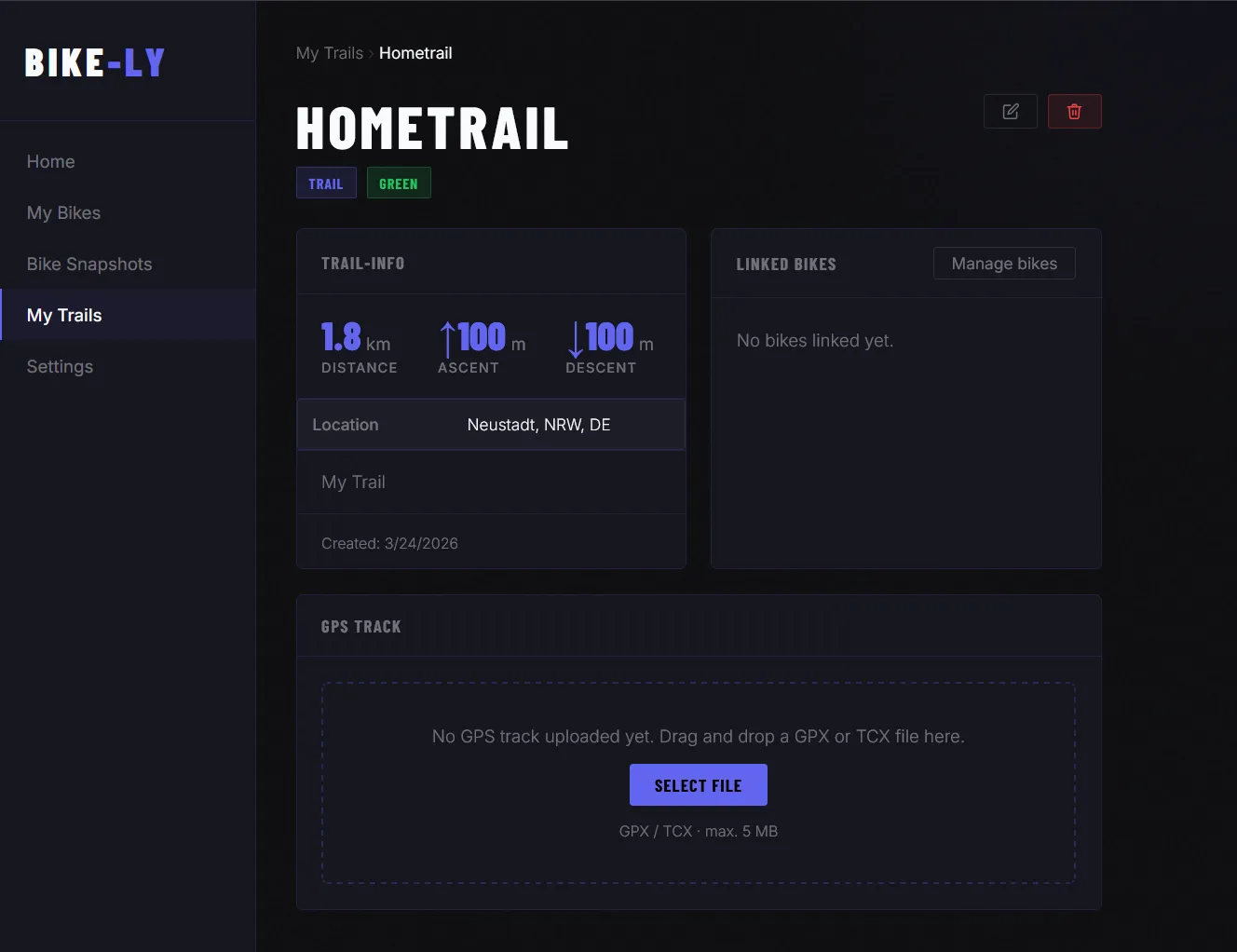
Elevation gain and trail length are calculated automatically and added to the trail. Once you import a GPX or TCX file, you no longer need to maintain those values manually.
Link a bike
If you like, you can also link a bike to the trail.
Exporting GPX / TCX data from Strava, Garmin or Komoot
You can import data from other apps such as Strava, Garmin or Komoot. Here are the relevant guides:
Komoot
You can find a guide for exporting your routes from Komoot here:
Export and import routes and tours
Strava
Here you can find the guide for exporting your data from Strava:
Garmin
Use this guide to export data from Garmin:
Exporting an Activity from Garmin Connect
Other apps
Bike-Ly does not currently offer automatic import from third-party apps. However, you can import GPX or TCX files from any app that supports data export.
Missing something? New feature? More data?
Are you missing important data or do you have an idea for a new feature? Feel free to get in touch — we are actively developing Bike-Ly and welcome suggestions, ideas and feedback. Use the contact form to share your thoughts.