Export from Other Apps / Sources
You can import data from other apps such as Strava, Garmin or Komoot. Here are the relevant guides:
Komoot
You can find a guide for exporting your routes from Komoot here:
Export and import routes and tours
Strava
Here you can find the guide for exporting your data from Strava:
Garmin
Use this guide to export data from Garmin:
Exporting an Activity from Garmin Connect
Apple iOS (iPhone)
The iOS app GPX Export can be used to export GPX data from Apple Fitness on iOS devices:
GPX Export on the Apple App Store
Android
The Android app gexporter can export GPX data:
Other Apps
Bike-Ly does not currently offer automatic import from third-party apps. However, you can import GPX or TCX files from any app that supports data export.
Import into Bike-Ly
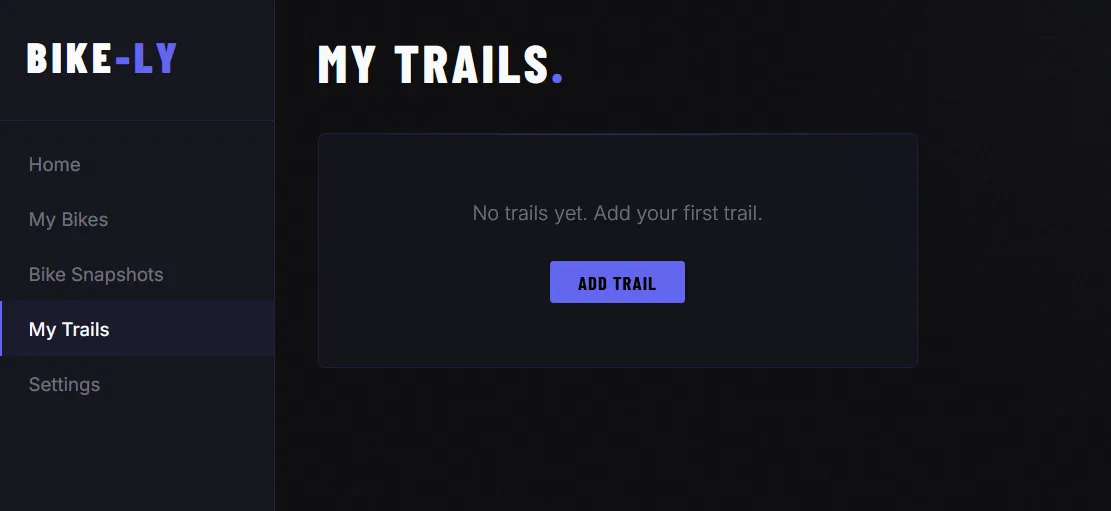
You can import GPX and TCX files into Bike-Ly. To do so, first create a new trail under My Trails.
Once you have created a trail, you can upload the file under GPS Track:
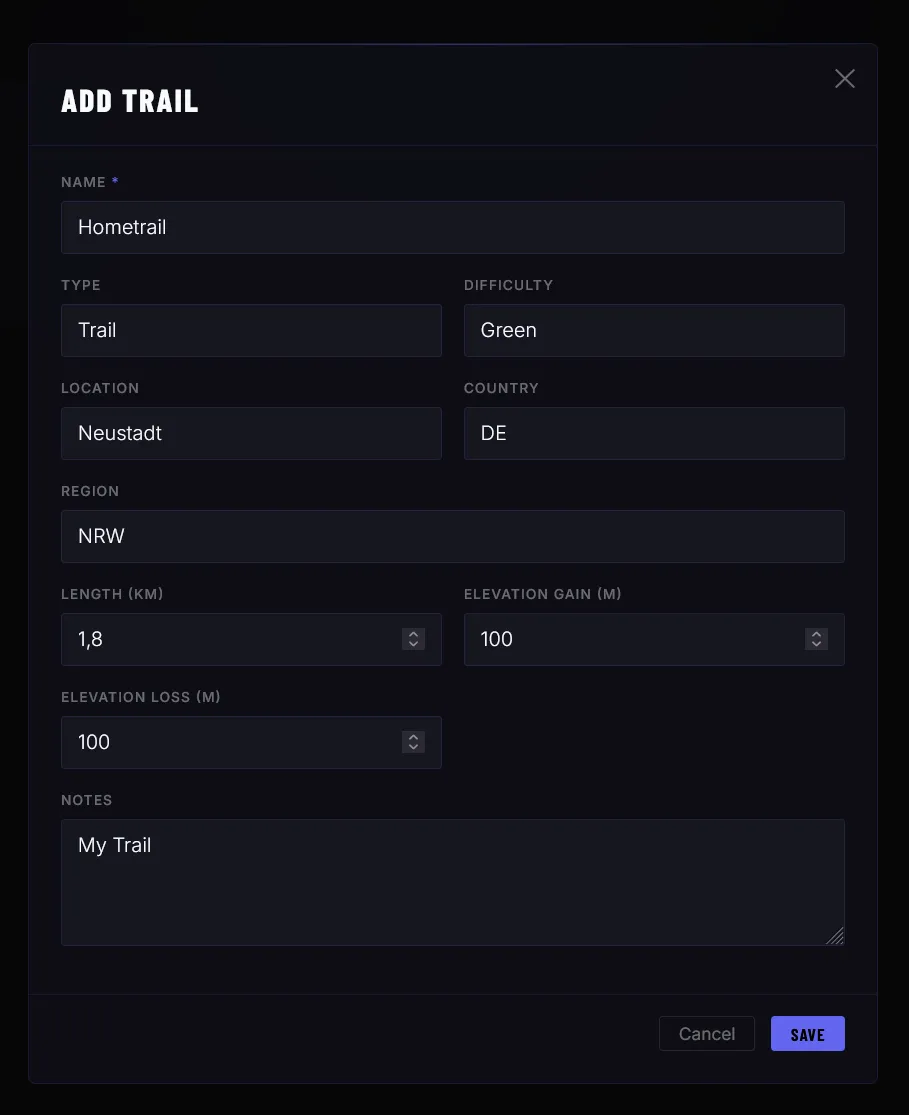
Additional data will be calculated automatically.